




For many of us, the answer to the question “what do you want to be when you grow up?” was always the same: A pilot.
(If we’re being honest, the answer for some is probably the same now, even if we’ve found ourselves working in other industries in the years since).
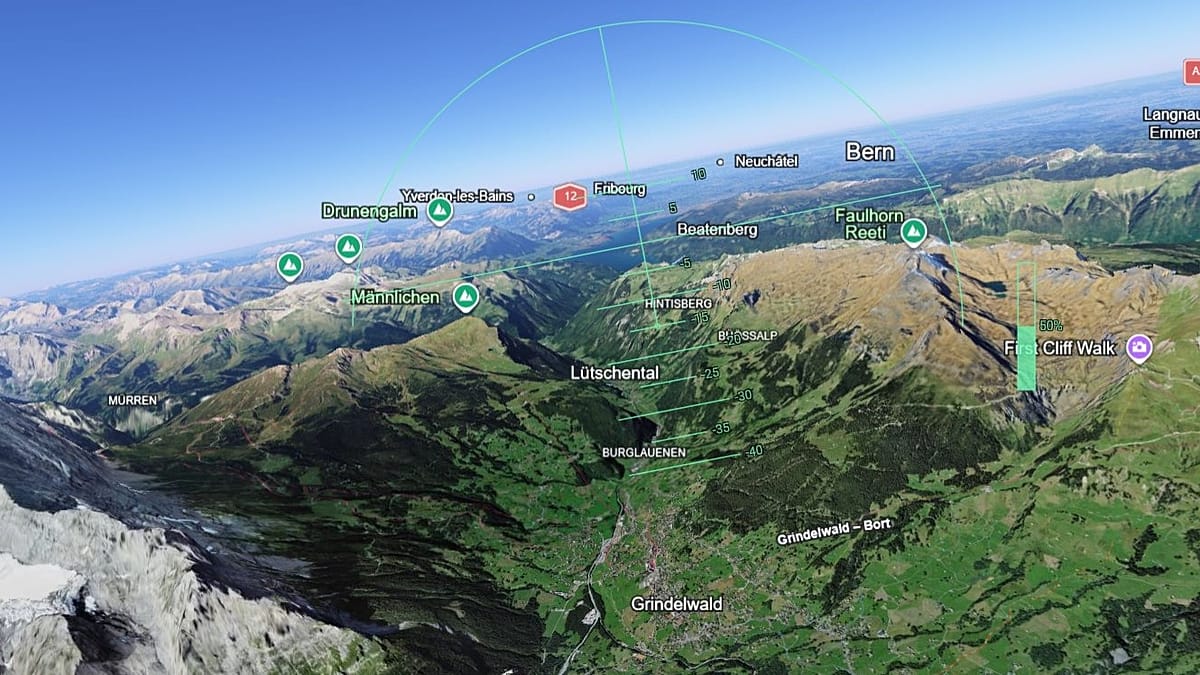
Still holding onto that love of flying? Then you might just want to check out Google Earth’s free flight simulator.
Launched on 12 June, the new tool allows you to explore the globe from above. Aimed at casual users rather than professionals, you’ll be able to see 3D buildings and spectacular imagery as you make your way from destination to destination.
Google Earth has previously offered a flight simulator on its professional desktop app, but this is the first time you can use the tool in-browser.
How to use Google Earth’s flight simulator
You can access the flight simulator by heading to earth.google.com, click Explore Earth, open tools and then select flight simulator.
The various keyboard shortcuts can be found on the Developers’ page here, which covers everything from speeding up and slowing down to rolling left and right.
We can’t say we’ve quite got the hang of it ourselves (aside from channelling our inner Fox McClouds and doing several barrel rolls), but it is a lot of fun to play around with.
Thankfully, there are no graphics mocking us when we inevitably crash – the simulation simply pauses and you can restart your journey.
Read the full article here